Why Can Two Phones on the Same Mobile Network Have Different Internet Speeds?

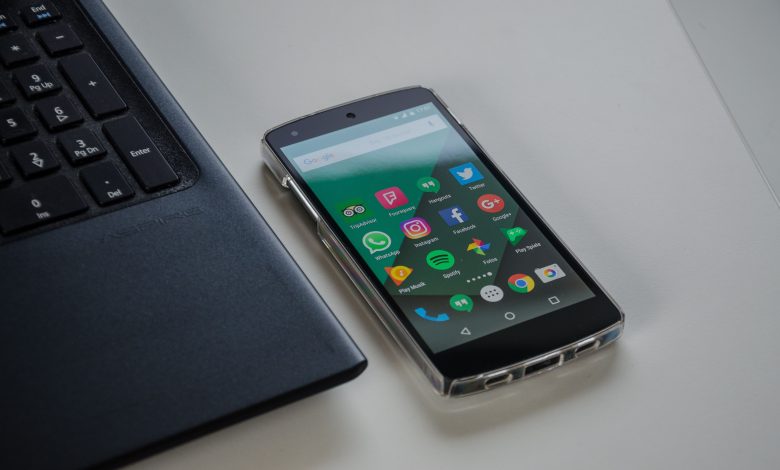
Two people are using the same mobile network in the same place. One phone loads a video quickly, while the other is slow. Why does this happen?
Your Phone Case Can Sometimes Affect the Signal
Most normal phone cases shouldn’t cause a major problem. Still, very thick cases or cases containing certain metal parts may affect reception in some situations. Try taking off the phone case and check the signal again. Sometimes the case can make the signal weaker.
Phones Don’t All Support the Same Network Bands
Mobile networks use different frequency bands to provide service. Your phone must support the bands used by your mobile operator. This is especially important when buying a phone made for another country. A model designed for one market may support a different set of network bands than the version sold somewhere else. The phone may still connect to the network. But it might not have access to every available band. That can affect coverage and speed.
One Phone May Be Using 4G While Another Uses 5G
Look at the small network symbol at the top of each phone. Does one say 5G while the other says 4G? There’s your first clue. A new phone may support 5G, while an older phone only has 4G. If 5G is available, the new phone may have faster internet. But 5G doesn’t automatically mean faster internet every time. A strong 4G connection can sometimes perform better than a weak or busy 5G connection. You can realize this easily when playing at PlayBaze live casino, where the connection speed matters when you’re spinning the wheels.
Even 4G Phones Can Be Different
Two phones can both show 4G and still have very different abilities. Modern 4G technology can combine network resources in ways that older phones may not support. Newer phones may use 4G better. So, even if two phones show 4G, their internet speeds can still be different.
A Small Change in Location Can Affect Speed
Now move one phone across the room. The speed changes. How? Mobile signals have to travel through the environment around you. Walls, trees, and other things can block the signal. Even in the same room, some spots can have a better signal than others. Try walking toward a window. Sometimes that’s enough to improve the connection.
Your Hand Can Change Reception Too
How you hold your phone can affect the signal. Your hand may sometimes block the phone’s antenna. The difference is usually small. But in an area with already weak coverage, small changes can become more noticeable.
Software Settings Can Limit Mobile Data
Sometimes the problem isn’t hardware at all. Check the settings. A phone may be using a data-saving mode. Another might be set to prefer an older network type. Battery-saving settings can also limit some background activity and app behaviour. If one phone is unusually slow, check:
- Preferred network type
- Data saver settings
- Battery saver mode
- Mobile data limits
- SIM settings
- App data permissions
A small setting can sometimes explain a surprisingly large difference.
Updates Can Make Two Similar Phones Behave Differently
Imagine two people own the exact same phone. One installs updates regularly. The other hasn’t updated the phone for a year. Their network performance may not always be identical. Software updates can include bug fixes and changes related to network performance. Updates can also fix problems with the operating system.
Test the Phones Under the Same Conditions
Want to make a fair comparison? Keep things simple. Place both phones next to each other. Use the same mobile network and similar mobile plans if possible. Close unnecessary apps and make sure neither phone is downloading large files. Then run the same speed test. Repeat it a few times. One test isn’t enough because mobile speeds can change from minute to minute.